01Learning and education
Homework answers to grading and a correction plan
Match questions with student answers, explain each error, and turn the review into focused next-step practice.
View the complete workflow → CS FLOW AIOpen workspace
Real interfaces · verifiable workflows
Each case shows a real CS FLOW AI interface and reproducible task path. These are product demonstrations, not customer endorsements or unverified performance claims.
Published and reviewed by the OpenMira Product Team · Sep 2, 2026Every case is organized around task input, execution plan, execution record, verification, and final delivery, with primary sources when they materially support the method.
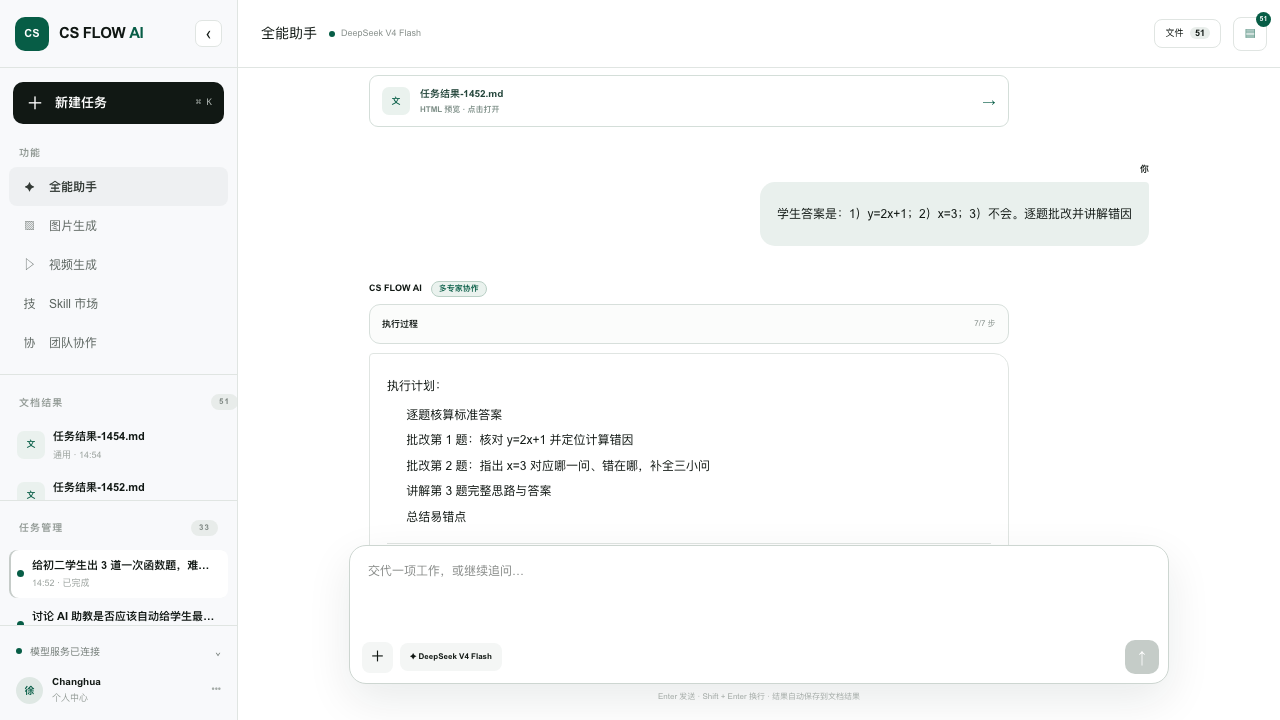
Match questions with student answers, explain each error, and turn the review into focused next-step practice.
View the complete workflow →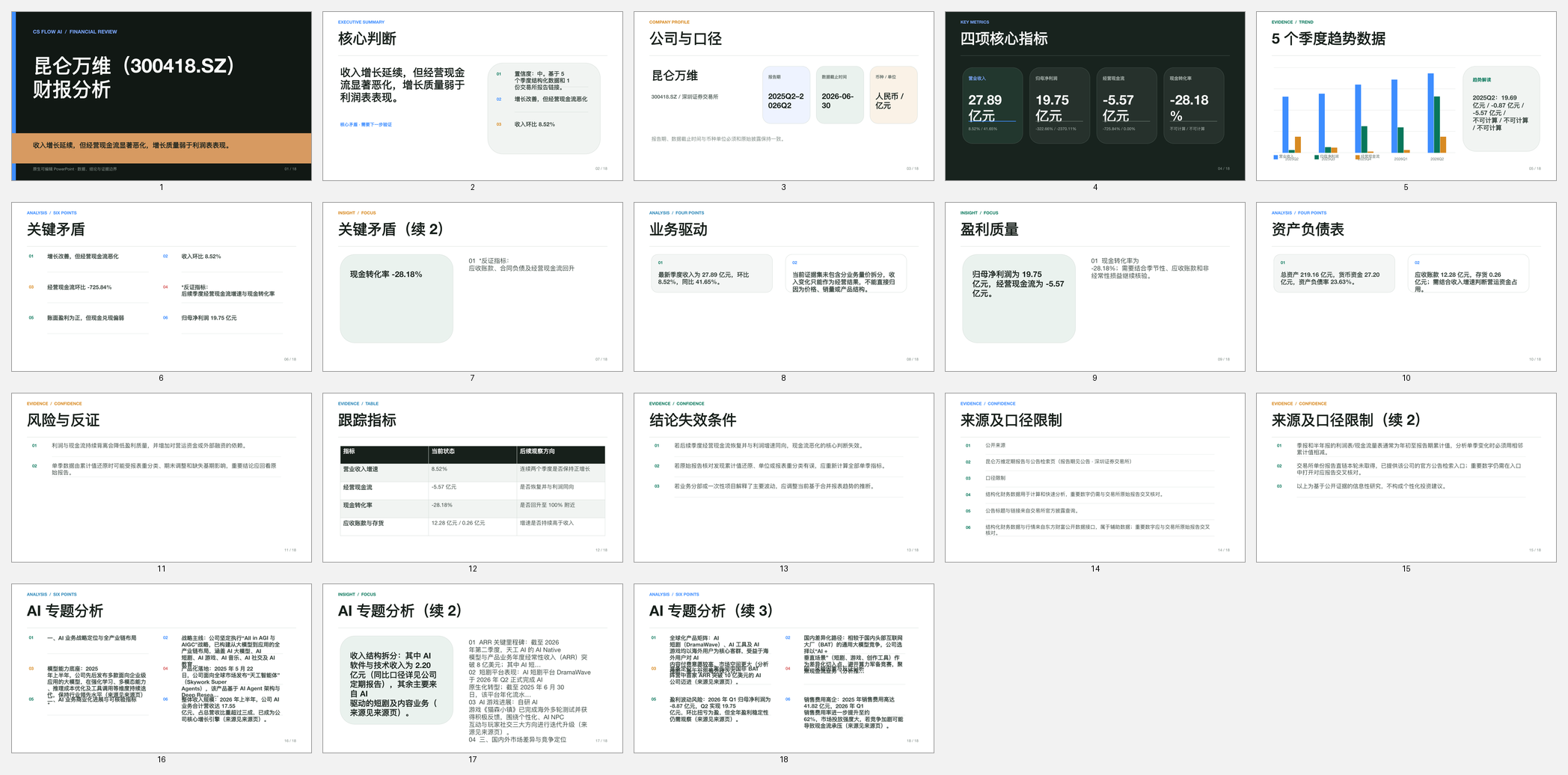
Organize key metrics, operating tensions, risks, and source definitions around a company and reporting period.
View the complete workflow →Turn a long research paper into a concise presentation while preserving the research question, method, findings, limitations, and source context.
View the complete workflow →Transform a product brief into a clear pitch narrative with audience, problem, solution, workflow, differentiation, evidence, and next steps.
View the complete workflow →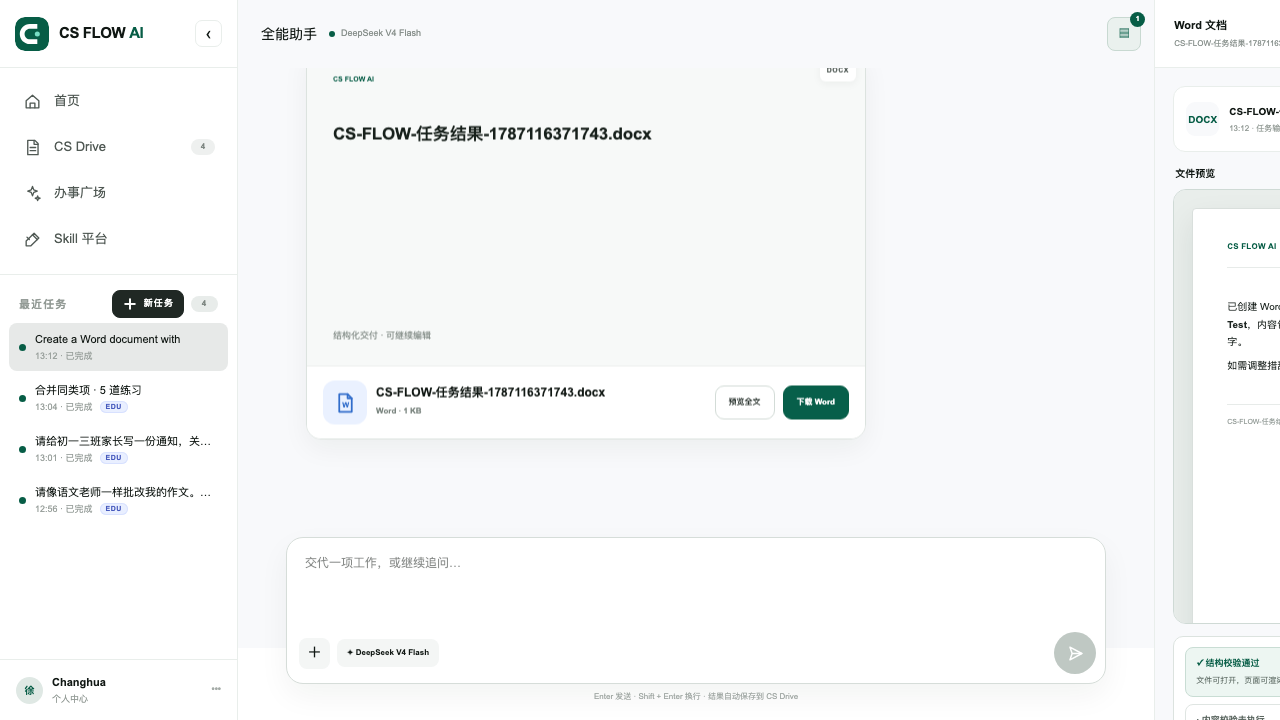
Convert image-only PDF pages into editable text, rebuild the useful document structure, and verify uncertain OCR against the original scan.
View the complete workflow →Reconstruct complex PDF tables as editable Word tables while keeping headings, notes, units, and reading order connected to the correct data.
View the complete workflow →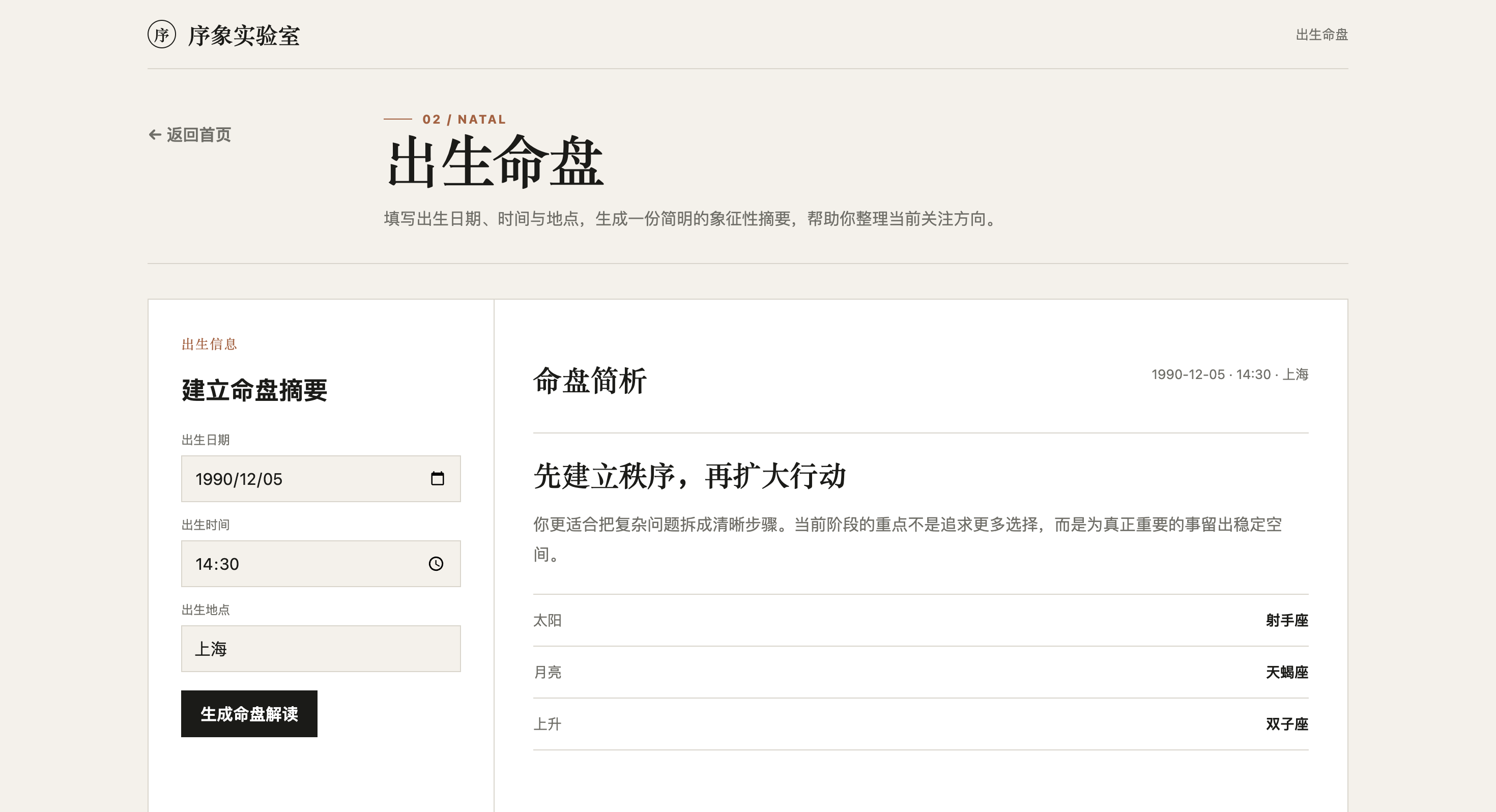
Turn information architecture, visual direction, and core interactions into a working website while keeping the context for continued revisions.
View the complete workflow →Turn source material and delivery requirements into a structured Word document that can be previewed, downloaded, and edited.
View the complete workflow →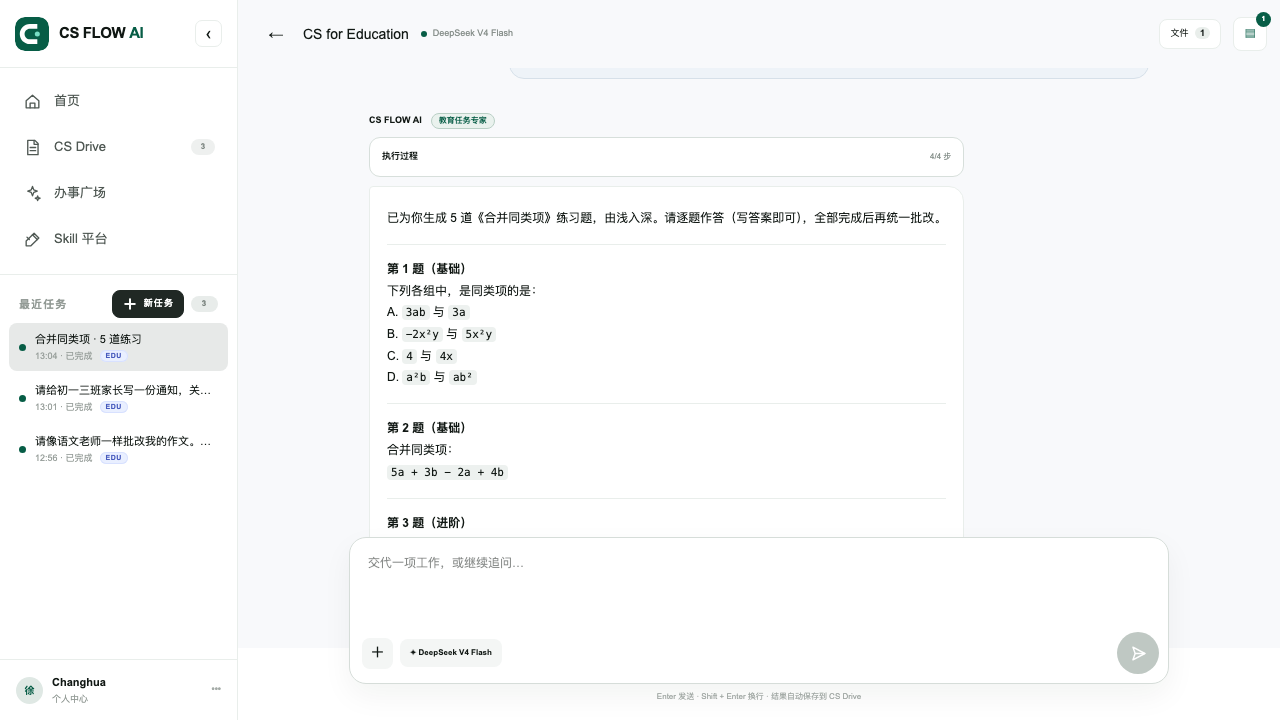
Use the current lesson context to create exercises from foundational to advanced, then wait for completion before grading and explaining them.
View the complete workflow →
Define dimensions, exact copy, brand constraints, and intended use, then generate a visual that can be previewed, downloaded, and revised.
View the complete workflow →