01Completed
Build a source map
Separate the paper into research question, background, method, results, limitations, and conclusions, retaining page references for material claims.
Visible evidence: Section map and evidence list CS FLOW AIOpen workspace
Research and presentations · Product demonstration
Turn a long research paper into a concise presentation while preserving the research question, method, findings, limitations, and source context.
Published Sep 2, 2026 · Reviewed by OpenMira Product Team · Real product interface · No customer identity or performance claimComplete process recording
Watch CS FLOW AI organize source material, generate the slide narrative and visuals, verify the deck, and deliver an editable PPTX.
Task input
A research paper and a request for a 12-slide presentation for a non-specialist audience, with the central question, method, findings, limitations, and citations preserved.
Before execution, the workspace confirms the goal, source scope, and delivery format. Missing required information remains visible as a needs-confirmation item.
Execution plan
Execution record
Separate the paper into research question, background, method, results, limitations, and conclusions, retaining page references for material claims.
Visible evidence: Section map and evidence listCreate a 12-slide sequence that introduces the question, explains the method at the right depth, presents the strongest findings, and ends with limitations and takeaways.
Visible evidence: Audience-specific slide outlineCondense paragraphs into slide-level claims, select suitable figures or tables, and keep source notes with the slides they support.
Visible evidence: Slide copy, visual plan, and citationsCompare claims, numbers, labels, and limitations with the source paper before exporting a PowerPoint that remains editable.
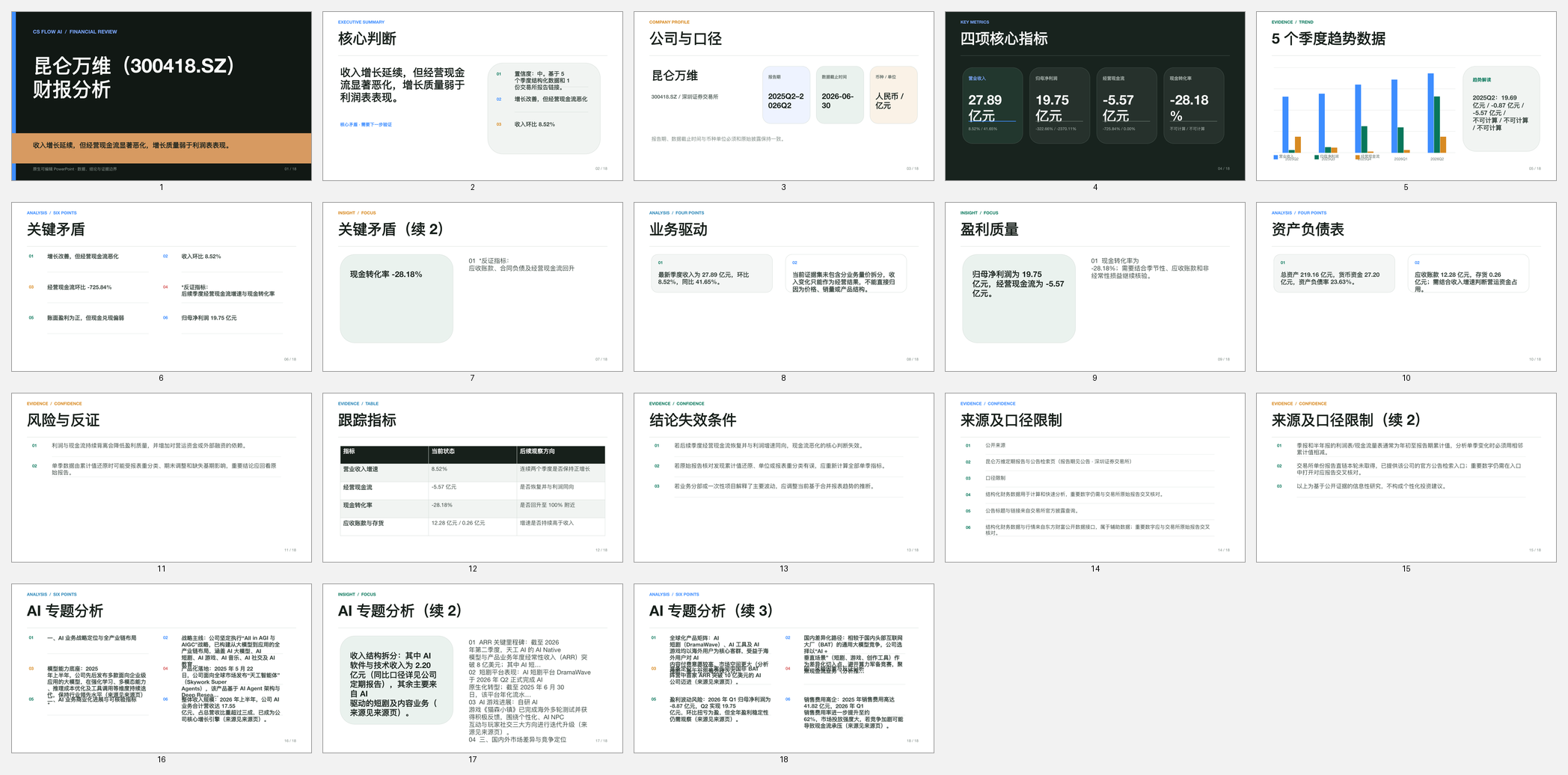
Visible evidence: Verified editable PPTXThe public case shows reviewable task actions, states, and delivery evidence. It does not expose hidden chain-of-thought, user identity, or third-party account credentials.
Verification
Delivery
Open the workspace, upload a file, or describe the result you need.
Transform a product brief into a clear pitch narrative with audience, problem, solution, workflow, differentiation, evidence, and next steps.