01Completed
Clarify the pitch objective
Identify whether the deck is for customers, partners, investors, or internal alignment and record the single action the audience should take.
Visible evidence: Audience and objective record CS FLOW AIOpen workspace
Product and presentations · Product demonstration
Transform a product brief into a clear pitch narrative with audience, problem, solution, workflow, differentiation, evidence, and next steps.
Published Sep 2, 2026 · Reviewed by OpenMira Product Team · Real product interface · No customer identity or performance claimComplete process recording
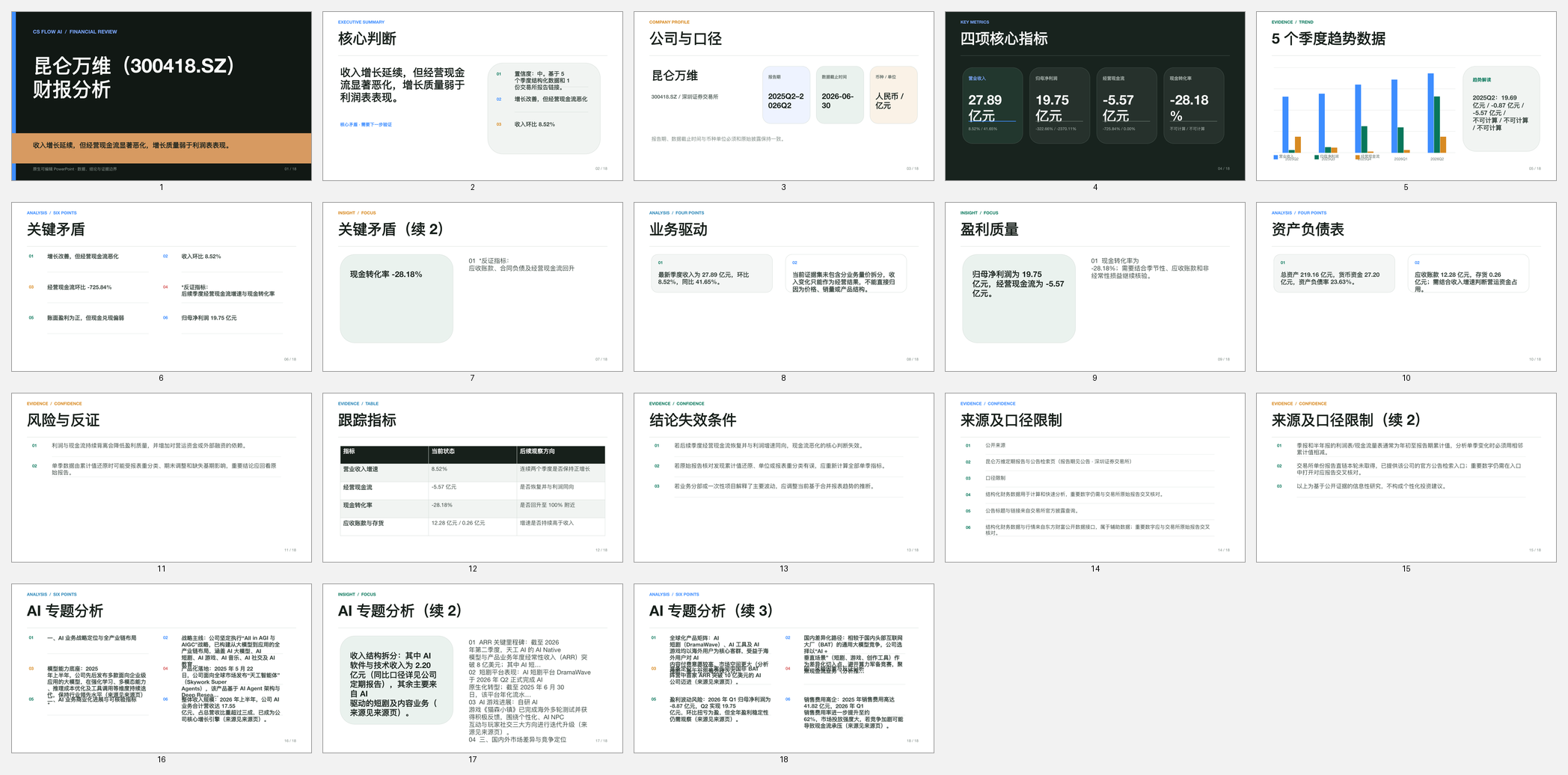
Watch CS FLOW AI organize source material, generate the slide narrative and visuals, verify the deck, and deliver an editable PPTX.
Task input
A product positioning brief with target users, problem statements, capabilities, differentiators, and launch goals that must become a concise, editable pitch deck.
Before execution, the workspace confirms the goal, source scope, and delivery format. Missing required information remains visible as a needs-confirmation item.
Execution plan
Execution record
Identify whether the deck is for customers, partners, investors, or internal alignment and record the single action the audience should take.
Visible evidence: Audience and objective recordOrganize the product problem, current friction, solution, workflow, differentiation, proof, rollout, and next step into a coherent slide order.
Visible evidence: Pitch narrative and slide mapGenerate concise slide copy, diagrams, and supporting visuals while keeping each slide focused on one message.
Visible evidence: Editable slide content and visualsMark claims that lack evidence, remove invented performance statements, review terminology and brand details, and export the PPTX.
Visible evidence: Claim review and editable PowerPointThe public case shows reviewable task actions, states, and delivery evidence. It does not expose hidden chain-of-thought, user identity, or third-party account credentials.
Verification
Delivery
Open the workspace, upload a file, or describe the result you need.
Convert image-only PDF pages into editable text, rebuild the useful document structure, and verify uncertain OCR against the original scan.